
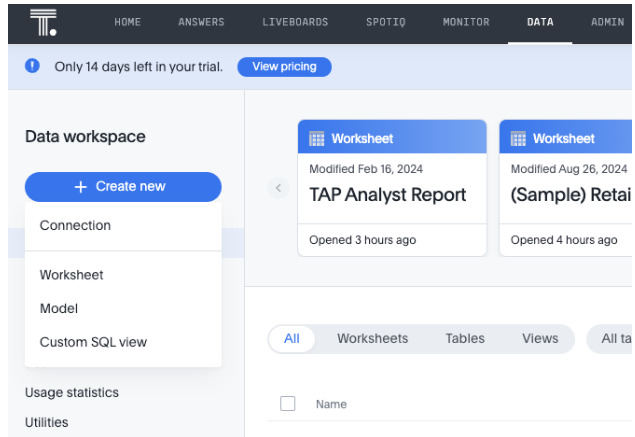
- Under the "Data" menu at the top, select Create New and select Connection
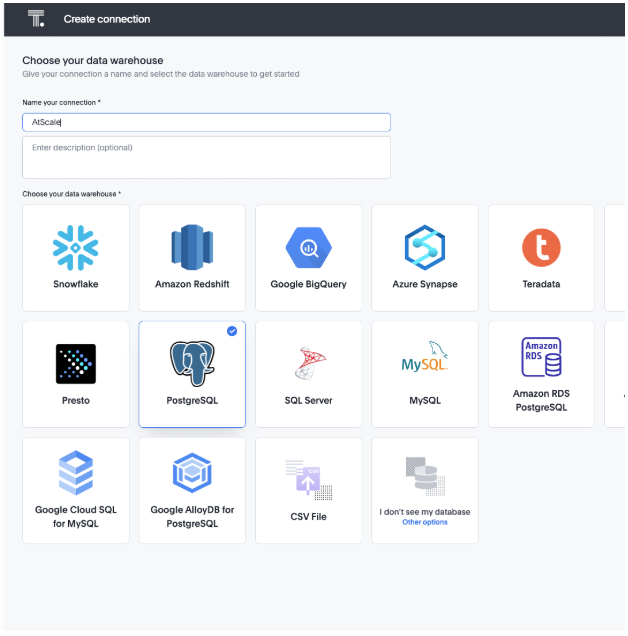
- Select Postgres as a data warehouse and give it a appropriate name
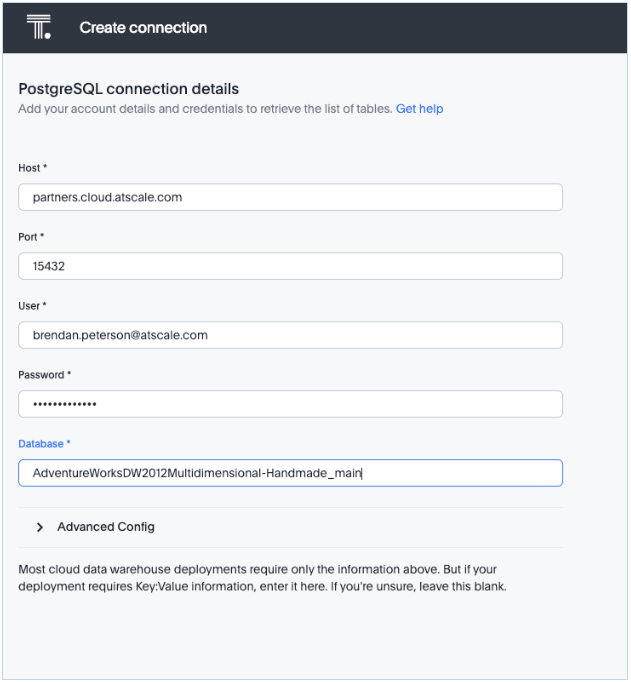
- Create your connection given the Postgres JDBC details that are found in your Deployed Catalogs in AtScale
- Once completed, select your Catalog and Model(s) to use in ThoughtSpot
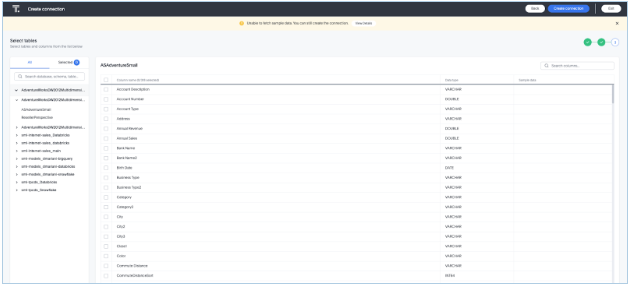
- You may get an error that you cannot fetch sample data. In our testing, this did not cause any issue building dashboards and querying live data